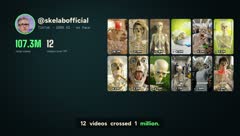
12 videos crossed 1 million views
Not one of them has a face, a camera or a studio. The skeleton, the people, the places and the voice were all made with AI, using the exact formula you're about to learn.
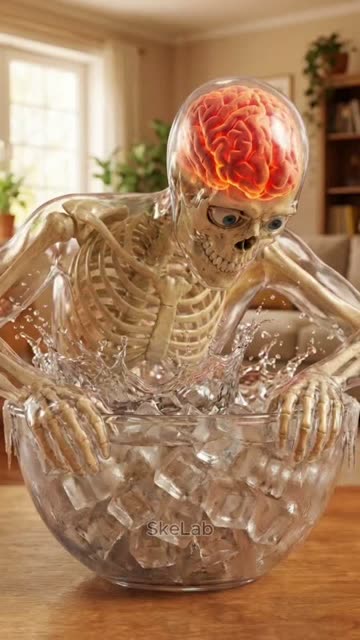 26.1M
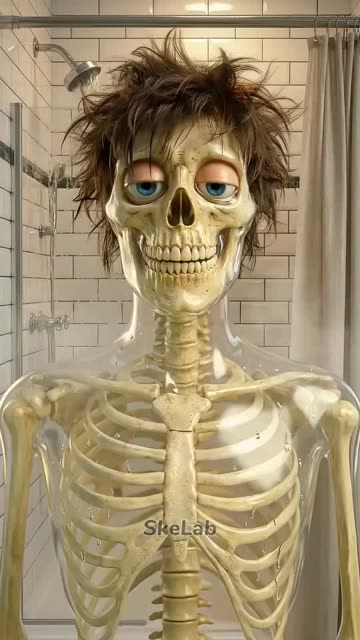 21.9M
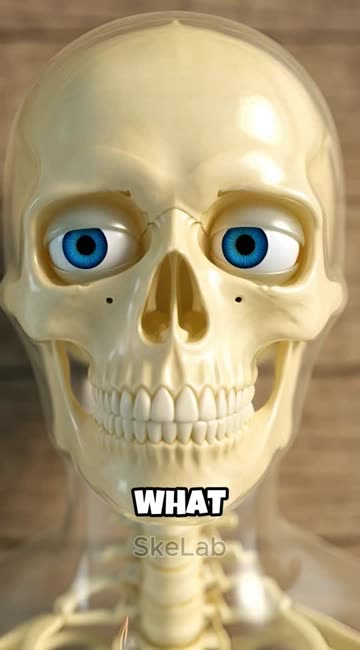 12.8M
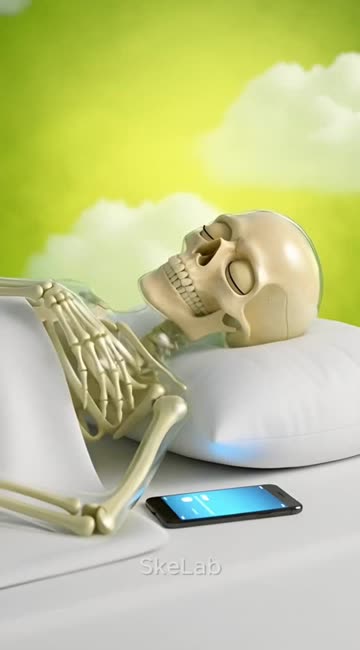 6.5M
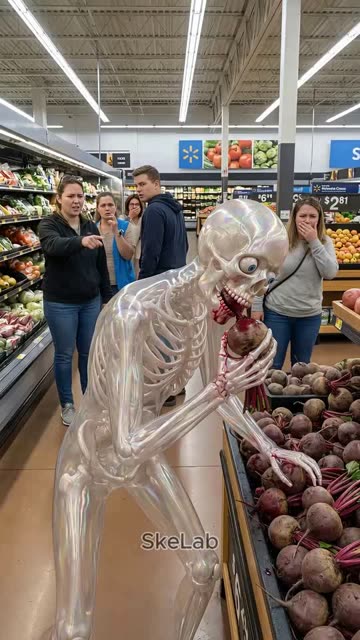 5.7M
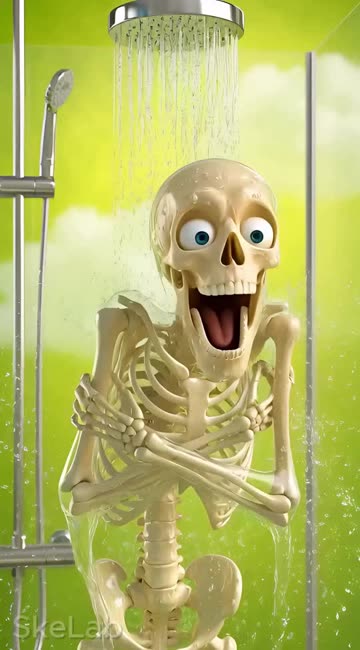 5.2M
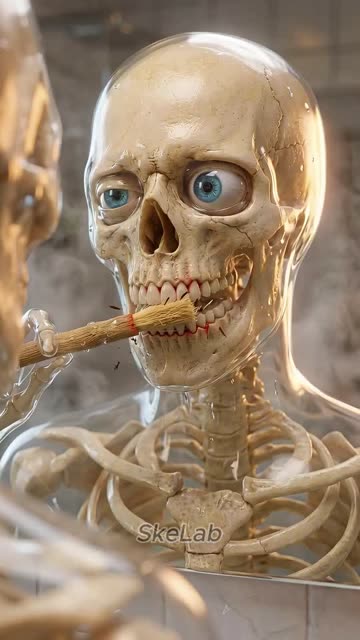 4.2M
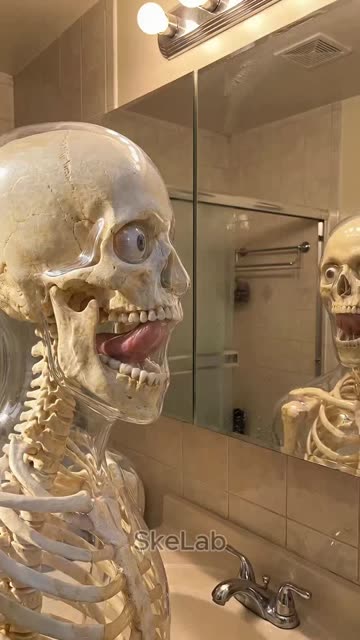 3.2M
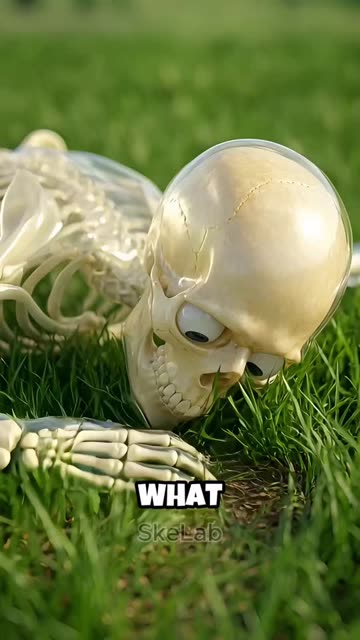 2.0M
 1.7M
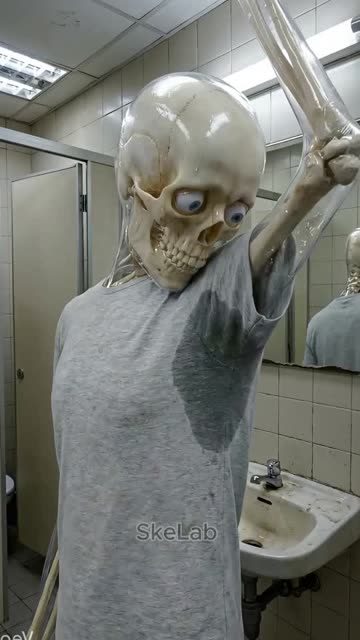 1.6M
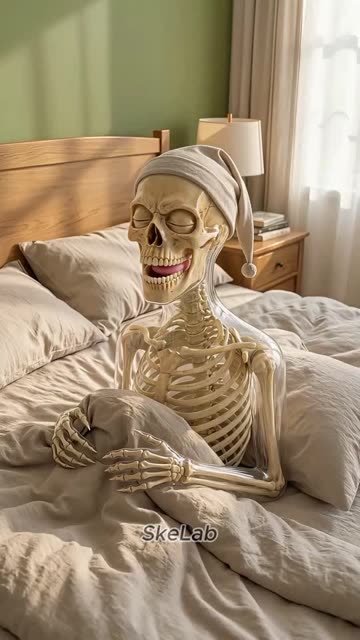 1.3M
a month
Viral videos are only half of it. A video that reaches millions of people pays you in more than one way, and inside the course I break down each one.
TikTok Creator Rewards. TikTok pays for videos longer than one minute. That's why every video in this method runs 61 seconds.
YouTube Shorts ad revenue. Post the same video on YouTube and get into the Partner Program.
Brand deals. Health, skincare and wellness brands pay creators for videos in exactly this format.
Your own products. A profile with millions of views can sell guides and templates from the link in bio.
Viral videos and a real monthly income
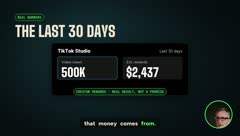
This is the channel's own analytics screen. Views climbed to 500K in 30 days, and the rewards grew right along with them.
You don't need to know anything
This course was made for complete beginners. If you can copy and paste, you can do this.
The tool edits the video for you, with captions and the day counter already in.
Every prompt comes ready. You paste it, click generate and move on.
Your face never shows up. The character is the star of every video.
So did this channel. The day-by-day plan starts from an empty profile.
The only things you need: a Windows computer and about an hour a day.
The formula in 6 rules
All of it is built into the tool. You don't have to memorize anything.
"What if you … for 30 days?"
Body habits people already wonder about.
Hook on frame one
The weirdest shot goes first.
A new cut
Nothing on screen ever sits still.
A story in days
The day counter keeps them watching.
Show the inside
Anyone gets it, even with the sound off.
End where it starts
Every replay counts as a new view.
From zero to a paying channel
You don't wait 30 days to see results. Your first videos go live in week one.
Install everything
Download the kit and follow the setup lesson. No coding, you copy what's on screen.
Make your first video
Type one topic. You get the script, every prompt and a finished edit.
Your channel starts
Profile set up for US viewers, your first videos posted and the views coming in.
Double down
Read your numbers, find the topic that took off and make more like it.
Monetization in reach
With daily posts you can already qualify for TikTok Creator Rewards.
12 lessons, from first click to first payout
Every lesson is a full screen recording, click by click. Just do what you see.
Chapter 1
 01 · Why these videos go viralNow playing · 15 min
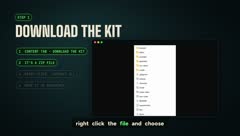 02 · Installing the kit30 min
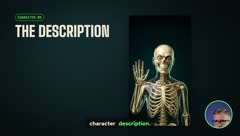 03 · Creating your character25 min
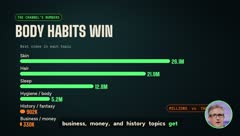 04 · Picking a topic that goes viral40 min
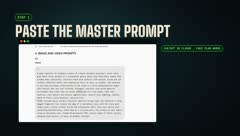 05 · Script and prompts with one prompt25 min
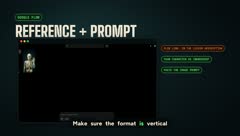 06 · Making the images15 min
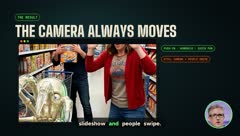 07 · Animating every shot25 min
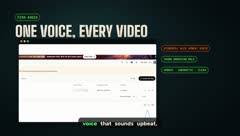 08 · The narrator's voice30 min
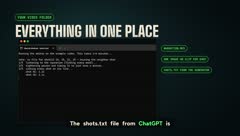 09 · Automatic editing25 min
 10 · Edits that keep people watching25 min
 11 · Building your channel15 min
 12 · Monetization40 min
01 · Why these videos go viral
How the SkeLab channel reached over 107 million views, broken down second by second: the 5 rules every viral video follows.
Lesson files
- skelab-method.zipThe full kit, ready to install
- START-HERE.pdfStep-by-step guide
- MASTER-PROMPT.mdScript + every prompt
- character.mdYour main character
- topics.mdRated topic bank
Comments SAMPLE
Finally a course that shows every single click. Got the kit running in 20 minutes.
The master prompt is insane. Pasted it once and had the whole video planned.
Not techy at all and I still made my first video tonight. Love the step-by-step.
One click and the edit came out with captions and the day counter. Wow.
The topic bank alone was worth it. No more guessing what to post.
Swapped the skeleton for my own character in 5 minutes. Same format, works great.
The files under each lesson are gold. Everything is ready, I just follow along.
Clear, fast and no fluff. Best purchase I made this year.
The exact tool I use, ready to download
The same system behind every video on the channel, cleaned up and set up for you.
- Full video generator: script, shot list, image prompts and animation prompts
- Automatic editing that runs on your own computer
- A character file to swap the main character
- A bank of tested, rated topics
- Viral video analyzer: paste a link and see what it does second by second
- One full example video, from script to final file
skelab-method/
├── START-HERE.pdf     step-by-step guide
├── character.md       your main character
├── generator/         script + prompts
├── editor/            automatic final video
├── topics.md          rated topic bank
├── analyzer/          study any viral video
├── install.bat        one-click setup
└── example/           one video, start to finish
Bring your own character
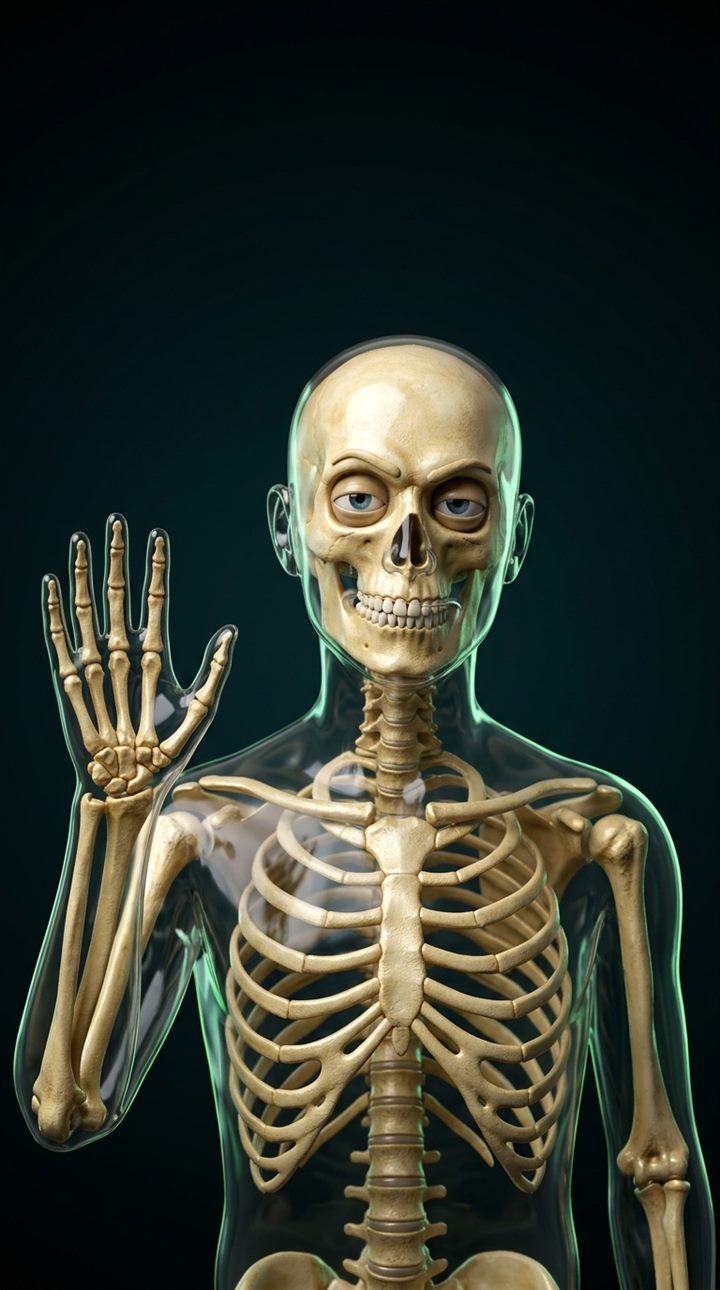
The glass skeleton works, and it's yours to use. Want a channel with its own identity? Swap the main character in one file. The formula, the scripts and the editing stay exactly the same.
 img/char-skeleton.jpg
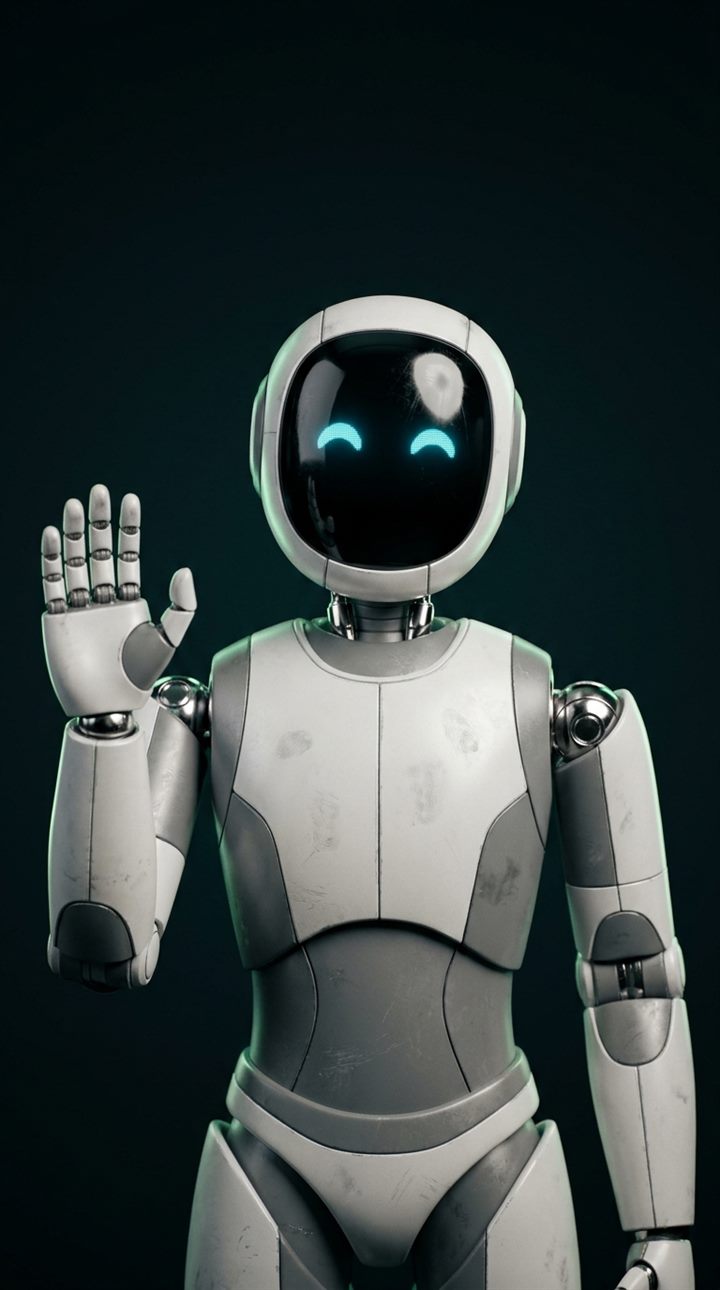 img/char-robot.jpg
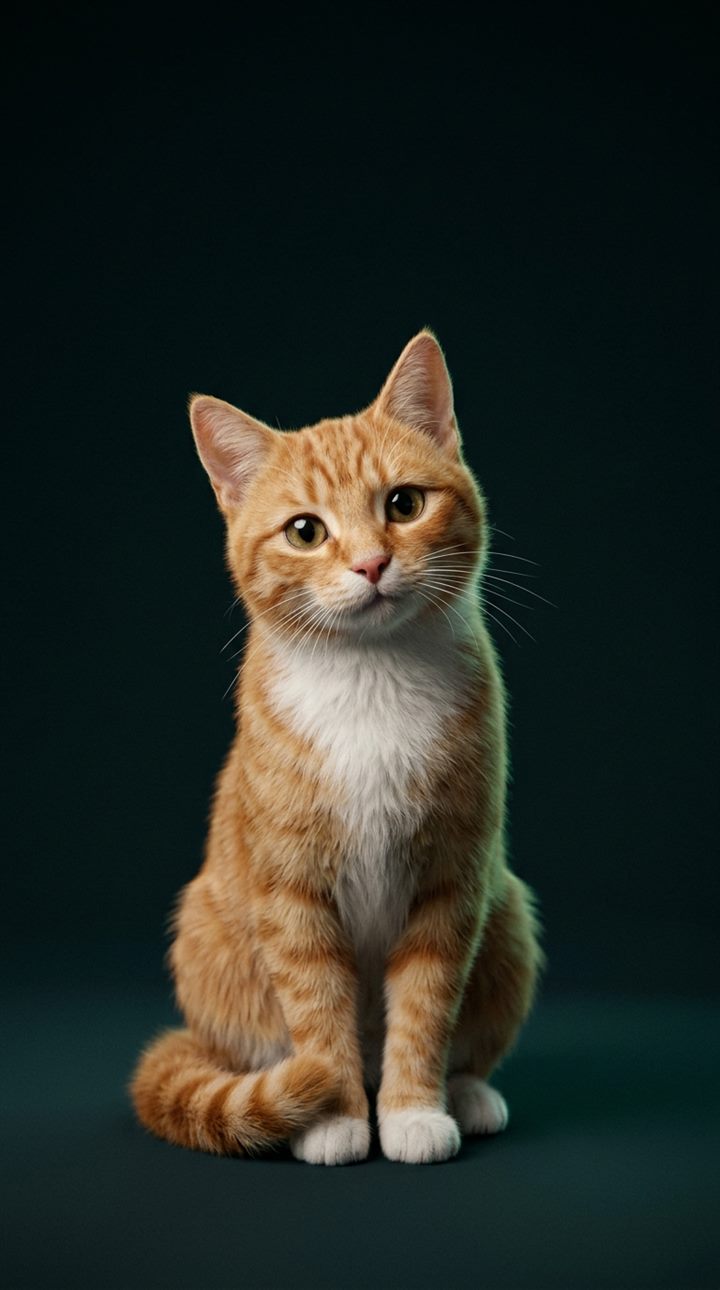 img/char-cat.jpg
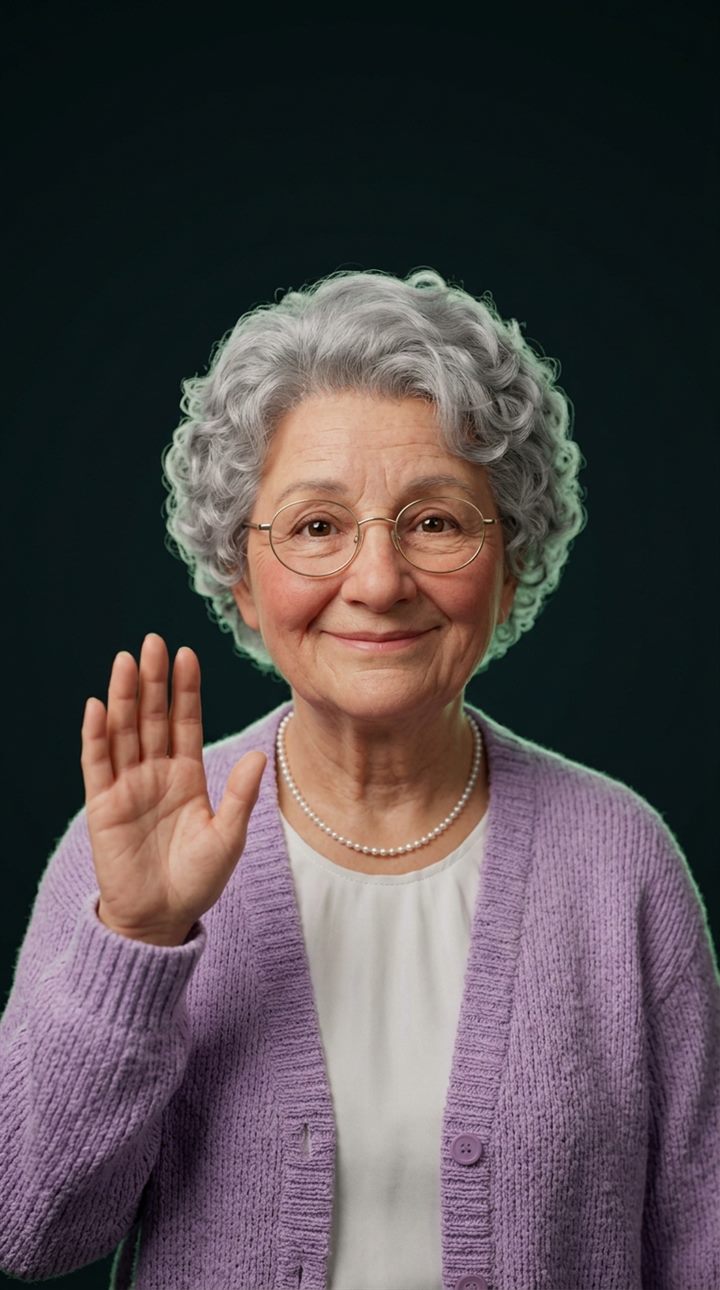 img/char-grandma.jpg
What students are saying
"I had never edited a video in my life. My third video hit 410K views and I made it from my couch in one evening."
"The tool writes everything. I paste the prompts, hit generate and the edit comes out ready. My first 1M video came in week five."
"I'm 52 and not techy at all. The setup lesson shows every single click. I had it running in one afternoon."
"Got into Creator Rewards in my first month. The day-by-day plan is exactly what I needed, no guessing."
"I swapped the skeleton for a cat and the format still works. 18K followers in three weeks."
"Worth way more than $50. The topic bank alone saved me weeks of trying random ideas."
Course + tool + topic bank
- 12 click-by-click video lessons
- The ready-to-use video tool
- Bank of rated viral topics
- Character file to make it yours
- Viral video analyzer
- A full example video
FAQ
I'm a complete beginner. Can I really do this?
Yes. The course was made for people starting from zero. The setup lesson shows every single click, and after that you just type the topic of your video. The tool does the rest.
Do I need to know how to code?
No. You copy and paste what's on screen. That's it.
Does it work on my phone?
You'll need a Windows computer to run the tool. You can post from your phone after that.
How long does one video take?
A few hours at first, while you're learning. Much less once you get into a routine, since the script, prompts and editing come out ready.
How fast can I start earning?
Your first videos go live in the first week. TikTok Creator Rewards needs 10,000 followers and 100,000 views in the last 30 days, and with daily posts you can get there in your first month. Results depend on how consistently you post.
What else do I need?
A computer and accounts on the AI tools covered in the course. The lessons walk you through setting up each one.
Can I use a different character?
Yes. Describe your character in one file and every script and prompt will use it.
How do I get access?
Right after payment you'll get an email with access to the lessons and the download link for the tool.